Contracts & invoices
Contracts and invoices for visiting producers
Draft a deal memo from your standard terms, send a signing link, and let deposit and balance invoices follow on their own.
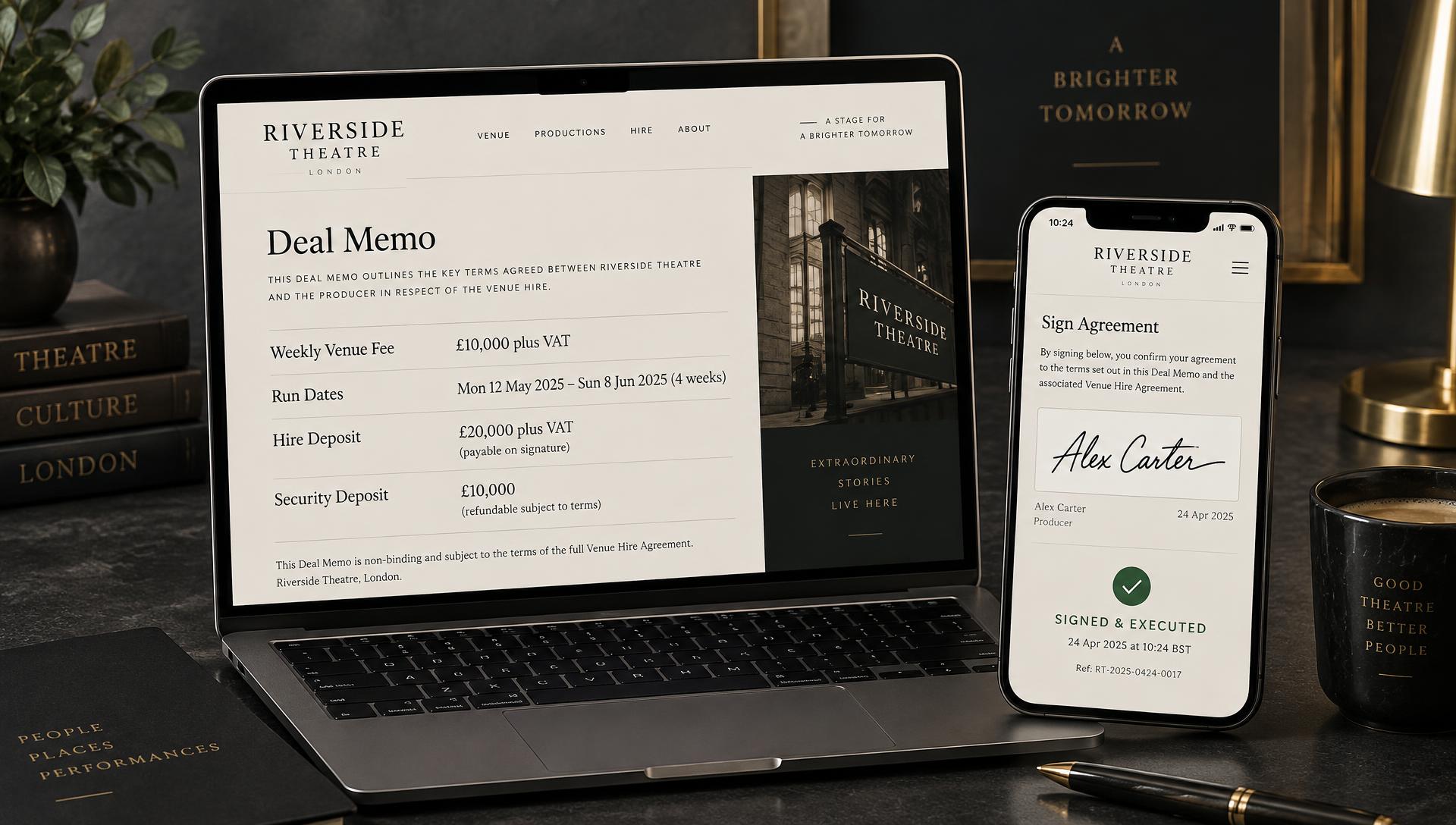
Signed and invoiced in four steps
- 01
Open the show
Contracts are created from the production's event page.
- 02
Set the terms
Start from your defaults: hire fee, box office split, deposit.
- 03
Send to sign
The producer signs online from a secure link.
- 04
Invoice
Deposit and balance invoices and reminders follow from the terms.
Less chasing, fewer spreadsheets
Online signing
No printing, scanning or posting contracts back and forth.
Tamper-proof copies
Signed contracts are fixed and fingerprinted.
Your standard terms
Every deal starts from your venue's defaults.
Automatic invoices
Deposit and balance amounts come straight from the deal.
Payment reminders
Producers are reminded until invoices are paid.
One register
Every contract and invoice across all productions in one list.
Questions about contracts and invoices
How does a producer sign a contract?
You send a secure link by email. The producer reads the deal memo online and signs it in their browser, with no account or download needed.
Is the signed copy protected?
Yes. When it is signed, the contract is saved as a fixed copy with a digital fingerprint, so you can show it hasn't changed since signing.
Are invoices created automatically?
Deposit and balance invoices are worked out from the agreed terms, and payment reminders can follow until they are paid.
Can I use my own standard terms?
Yes. Set your venue's default deal terms once and every new contract starts from them, ready to adjust per production.