The venue buyer's shortlist
Compare theatre ticketing software
The right choice depends on what you run. Compare ticketing, audience tools and the work that happens before and after the sale.
Written by TheatreOps Pro · Sources reviewed 8 October 2026
TheatreOps Pro vs TicketSource
Compare a ticketing-first service with a venue workspace that also handles contracts, the bar and producer settlements.
Read the comparison 02 / COMPARISONTheatreOps Pro vs Eventbrite
Compare a broad event marketplace with software organised around a theatre's production-to-settlement workflow.
Read the comparison 03 / COMPARISONTheatreOps Pro vs Spektrix
Compare an established arts-focused ticketing and CRM platform with TheatreOps Pro's integrated venue operations.
Read the comparison 04 / COMPARISONTheatreOps Pro vs Powered by TodayTix
Compare a marketing-led ticketing layer built on the technology behind the TodayTix app with a venue workspace that also handles contracts, the bar and producer settlements.
Read the comparisonCompare the cost, not just the fee.
A per-ticket model can suit occasional events; a fixed subscription can make budgeting simpler for a busy venue. Neither is automatically cheaper. TheatreOps Pro is £149/month for one venue or £299/month for up to three, with card processing separate.
Subscription model
Annual subscription + card processing + any setup, hardware or external services.
Per-ticket or revenue-based model
Expected paid tickets × applicable fee, or the agreed revenue-based charge, plus processing and extras where not included.
Check tax treatment and whether fees are absorbed or passed to the customer. Competitor rates vary by region and agreement; use the provider's current quote.
See TheatreOps Pro plans →Four checks before you choose
01
Price the whole year
Compare subscriptions, booking fees, card processing, setup, hardware and add-ons. Use your expected ticket volume and average ticket price, not just the headline rate.
02
Run one real production
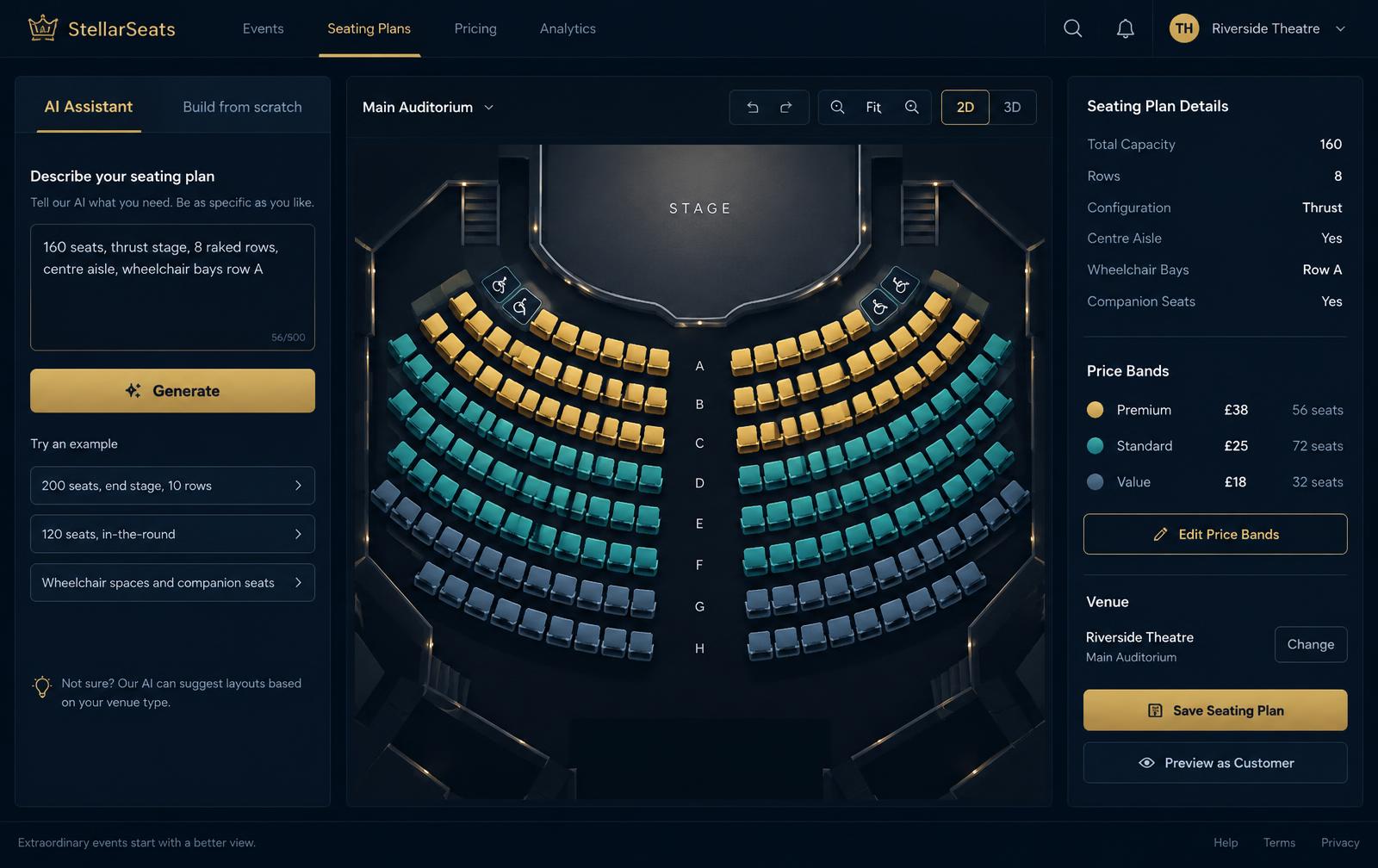
Ask for your seating layout, price bands, matinees, comps and access requirements to be demonstrated. Test the booking journey and door check-in before committing.
03
Follow the money
Check payout timing, refunds, gift-voucher liabilities, bar reconciliation and producer settlements. Agree who owns each step and which tools sit outside the platform.
04
Plan the move
Agree customer permissions, future bookings, outstanding vouchers, staff training and website changes. Keep an explicit transition plan; automatic migration is not assumed.
Need help with the shortlist?
Tell us what your venue needs. We’ll discuss the fit without assuming you need every tool.
This is a TheatreOps Pro-authored comparison, not an independent review. Competitor names belong to their respective owners. No affiliation or endorsement is implied. A feature not discussed here should not be treated as unavailable.